Desktop on Demand
Text transcript from the PDF text layer
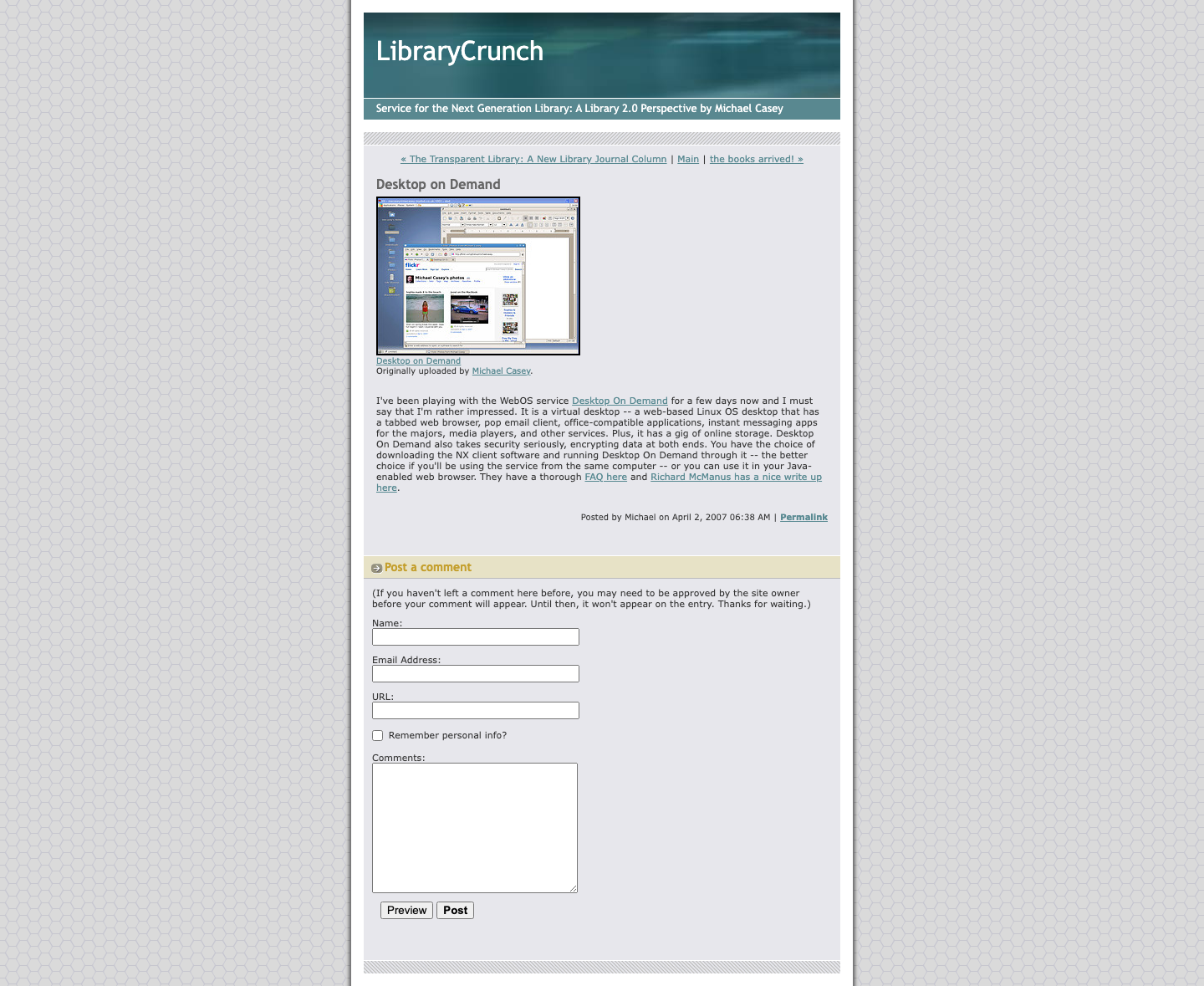
Desktop on Demand Originally uploaded by Michael Casey. I've been playing with the WebOS service Desktop On Demand for a few days now and I must say that I'm rather impressed. It is a virtual desktop -- a web-based Linux OS desktop that has a tabbed web browser, pop email client, office-compatible applications, instant messaging apps for the majors, media players, and other services. Plus, it has a gig of online storage. Desktop On Demand also takes security seriously, encrypting data at both ends. You have the choice of downloading the NX client software and running Desktop On Demand through it -- the better choice if you'll be using the service from the same computer -- or you can use it in your Java- enabled web browser. They have a thorough FAQ here and Richard McManus has a nice write up here.
Captured from http://www.librarycrunch.com:80/2007/04/desktop_on_demand.html via the Internet Archive Wayback Machine. The screenshot and PDF preserve the captured visual layout; the transcript is provided for search and accessibility.