Use Firefox on more than one computer?
Text transcript from the PDF text layer
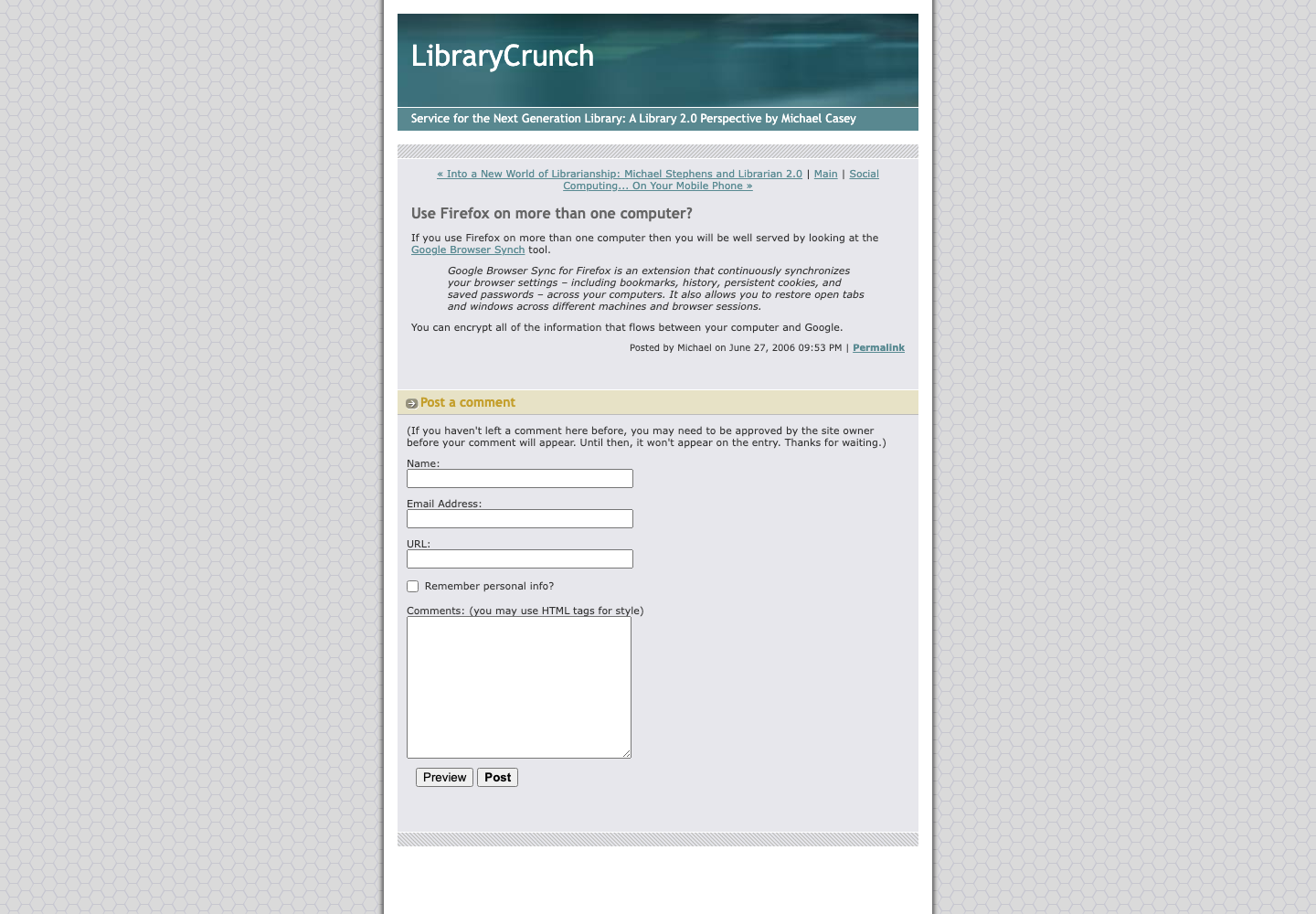
If you use Firefox on more than one computer then you will be well served by looking at the Google Browser Synch tool. Google Browser Sync for Firefox is an extension that continuously synchronizes your browser settings – including bookmarks, history, persistent cookies, and saved passwords – across your computers. It also allows you to restore open tabs and windows across different machines and browser sessions. You can encrypt all of the information that flows between your computer and Google.
Captured from http://www.librarycrunch.com/2006/06/use_firefox_on_more_than_one_c.html via the Internet Archive Wayback Machine. The screenshot and PDF preserve the captured visual layout; the transcript is provided for search and accessibility.